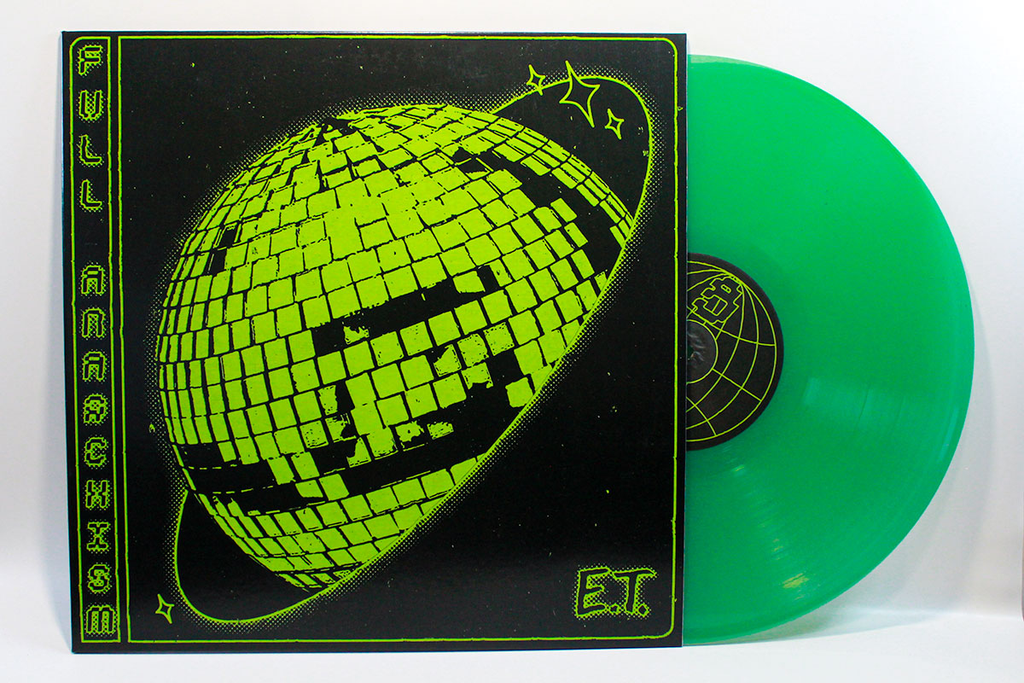
Vinyl Pressing Made Easier

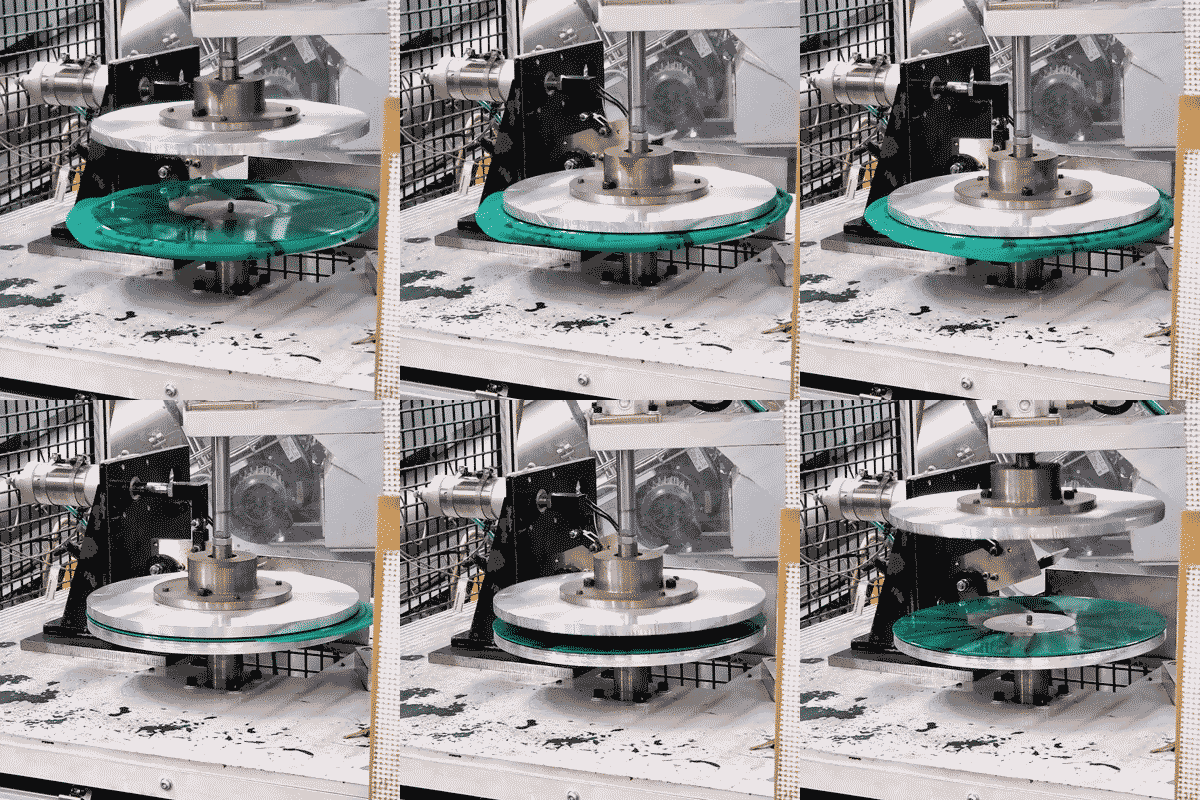
When you’re doing research on vinyl pressing, the biggest question on your mind is how much will this project cost. The last thing you want to do is fill out a long quote form only to wait as a representative gathers all the information together to send you a final price. What we’ve learned from the decades of of running the cassette duplication calculator is that customers don’t just want, they need an instant quote. We’ve decided it’s time to take this same approach to vinyl pressing. Introducing the brand new and improved 12” vinyl and 7” vinyl pressing pages, complete with instant quotes!

Not only do these pages allow you to build as simple or complex of a vinyl package as you need, it also comes with a massive amount of new pressing and print options that you previously could not find on our individual product pages.

  • New color vinyl effects, like haze, vertical splits, hand pour, and custom pantone
  • Up to three 12” records per jacket, or two 7” records
  • Split your order in two colors (for example: 175 on black vinyl, and 25 on limited splatter)
  • New tip-on and gatefold jacket options, with optional reverse board
  • New innersleeve and polybag options
  • Obi-strips wrapped around your jackets
  • Hype stickers to place on your shrinkwrap, jacket, or polybag
  • Download codes assembled with your orders
  • Rush options for those, well, in a rush
  • Acetate! Barcodes! And more!

One of the first options you’ll need to choose is your method of cutting. If you want the excellent sound quality that vinyl is famous for, choose lacquer cutting. Copies start at only 100pcs, making it accessible for nearly all artists. For those working on a budget, we would point you towards Indie 1-Step. You can do runs as low as 50pcs, which is perfect for the first-time vinyl buyer, and the lower pressing costs make it an easier entry point. The records themselves are good quality but may differ slightly from the lacquer packages in that you might notice that there’s a higher noise floor, more pops, and rolled off high-frequencies.

Top Reasons We Excel at CD Wallet Printing

Not to state the obvious, but before your fanbase hears your latest album, they’re likely going to see the artwork first. This is why packaging is so important for your album release, it’s going to give the first impression as to whether your music is worth a listen, let alone a purchase. Fortunately we know everything there is to know about CD packaging, especially when it comes to our forte, CD Wallets and Digipaks! So what makes us stand out from other print companies? Let’s break it down.

#1 Quality

Our wallets and Digipaks are printed on thick 15pt cardstock, giving your album the durability to survive a tour and a mosh pit. The beauty of their design is that the cardstock gives a bit of density that gives your customers confidence in the package, but they’re lightweight enough that you won’t have any issue carrying a box of them up those endless venue stairs.

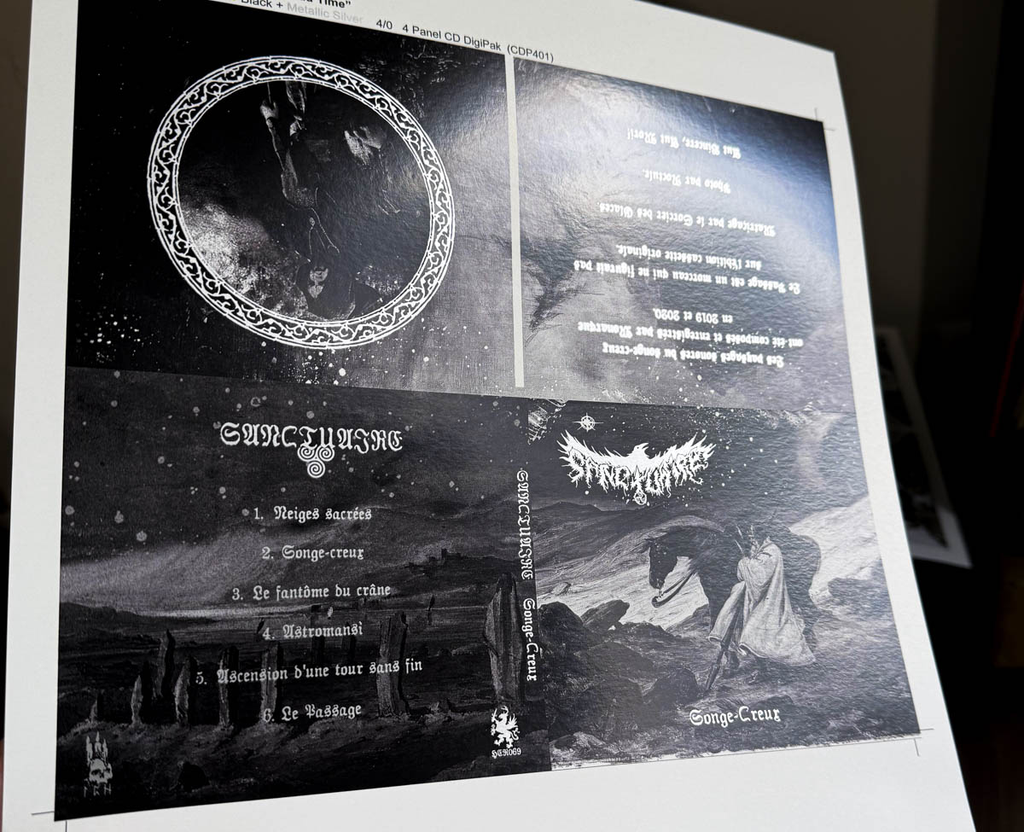
Silver spot ink on a 4-panel CD Digipak

#2 Specialty Colors

Our Xerox Iridesse press has raised the bar for printed material, allowing us to print outside the standard limited color range of CMYK, expanding to the hot and vibrant world of RGB! We can now print bright fluorescent colors, such as highlighter pinks, neon oranges, and hot yellows. Using spot colors we can also add a layer of silver and gold to portions of your artwork, giving a dazzling emphasis on text or art areas. Similarly, a pass of spot gloss also adds an extra glossy and reflective look to areas of your design.

Print embellishments can easily be added to your CD replication order in the quote form. We’ve also added them as options to CD wallets, Digipaks, and many of the printed products in the online store.

#3 Variety of Designs

If you’re looking for a classic design with plenty of space for artwork and a booklet, then you’ll feel right at home with our 4-panel wallets and Digipaks. If you’re working on a budget and want a simple cover for a sampler or single, a 2-panel sleeve might be for you! For those looking for a deluxe packaging solution with a ton of panels for artwork, liner notes, and lyrics, then we’d consider our 6-panel and 8-panel packages.

The point is, we have a massive variety of package designs. Some have the sleeve opening on the lefthand side, some have thumbholes, some unfurl this way and others that way. And if we somehow don’t have the exact model you’re looking for, you can always shoot us an email and we get can get working on a new die for your order!

Design vector pad print online!

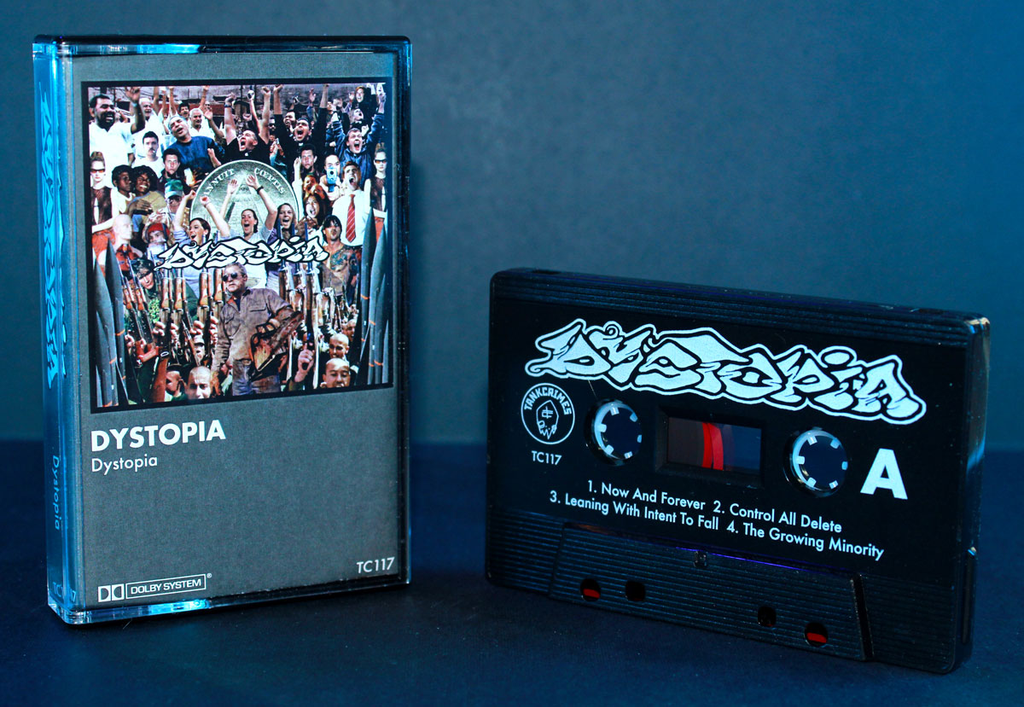
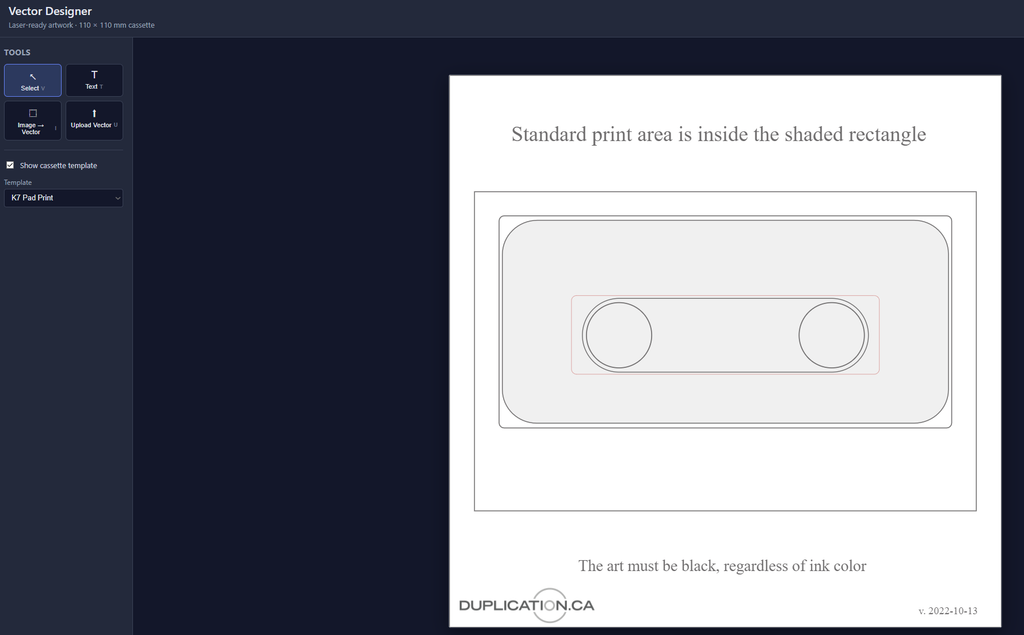
The biggest hurdle between your artistic vision and reality can often be access to the tools. Design software is pricey, and while online tools like Canva are great for web images, they aren’t built with print in mind. This is particularly true for pad print, which requires vector artwork to achieve sharp and fine lines. For those lacking an Adobe subscription, we’ve gone ahead and made the process a whole lot easier: introducing the Duplication.com online Vector Designer!

Our Vector Designer allows you to easily add vector images and text to the pad print template. If you’re working with bitmapped images (such as jpegs), the designer will trace the image and convert it into a vector format. To fine-tune you can simply hit ‘re-trace’ to toggle with the tolerance, detail, and smoothing.

From there on you export the file as an SVG and upload your artwork as you normally would. Once the file is in our hands you can remain confident that your pad print artwork will appear sharp and high quality. As always, we recommend double hit pad print when you’re using light color ink against a dark color shell, and a white base layer if you want the ink color to have an extra amount of vibrancy and pop.

The Vector Designer is in beta testing mode, which means that there’s likely some fixes and new features to come in the near future. This is where we’d love some feedback! If you have suggestions, questions, or are struggling with any aspect of the process, please let us know!

INSIDE PRINT ON CD WALLETS & DIGIPAKS

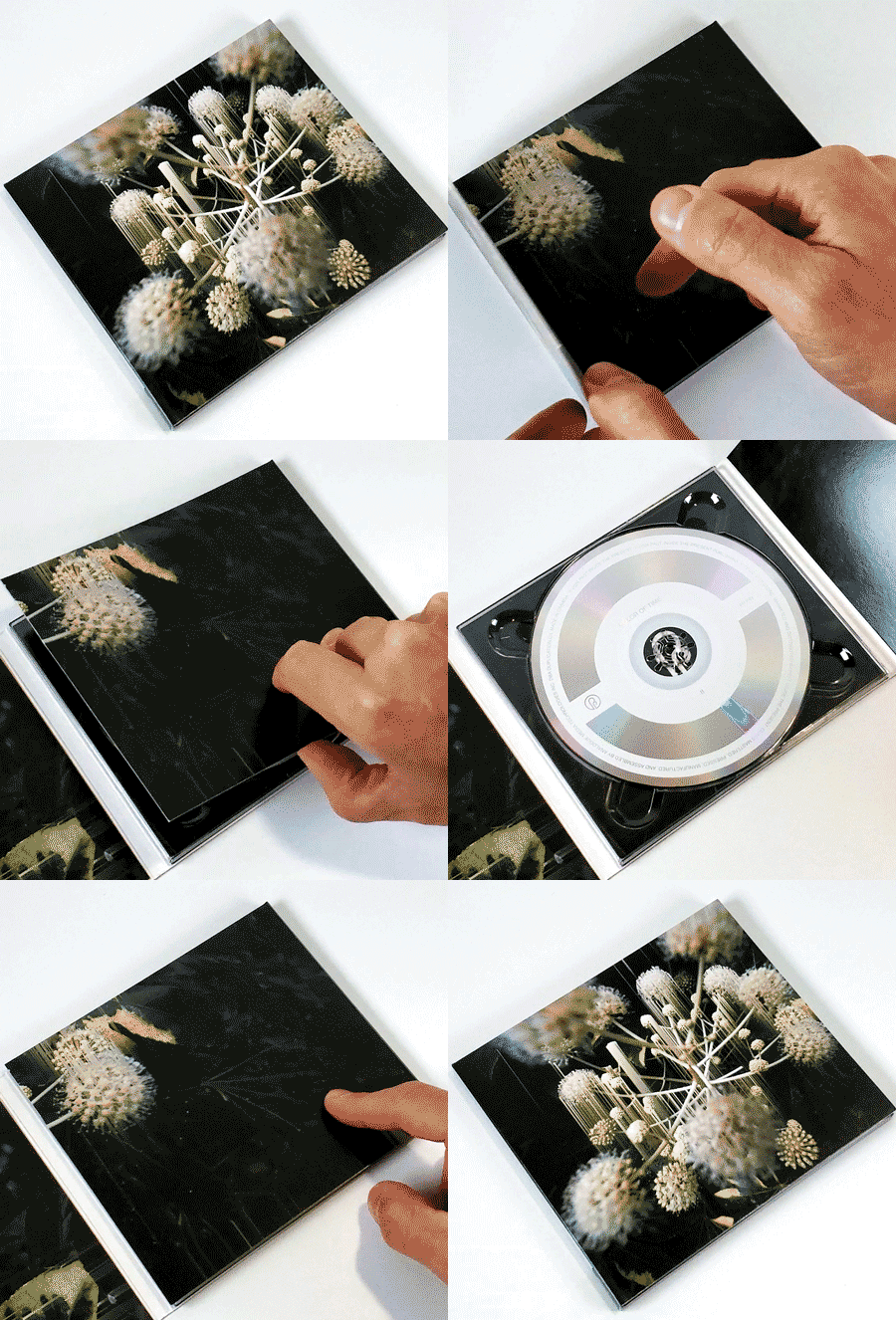
When you order printed CD wallets or Digipak, your beautiful and meticulously designed artwork will naturally appear on the outside and inside of the package. However, because in the manufacturing process the printed area doesn’t extend into every part of the folding and gluing construction, there is often a small vertical white area on the inside spine. This can be avoided with inside print, and it’s now an easy to choose option on our CD pressing pages!

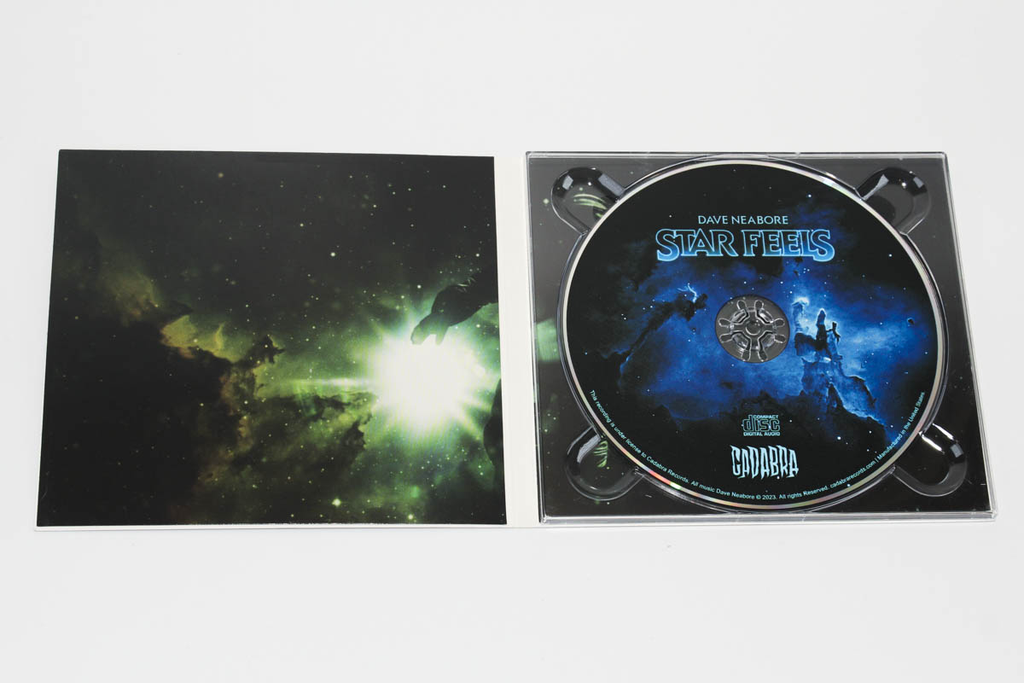
So what we have above is the default Digipak printing method, with no inside print selected. You can see the strip of white that interrupts the left and right interior panels.

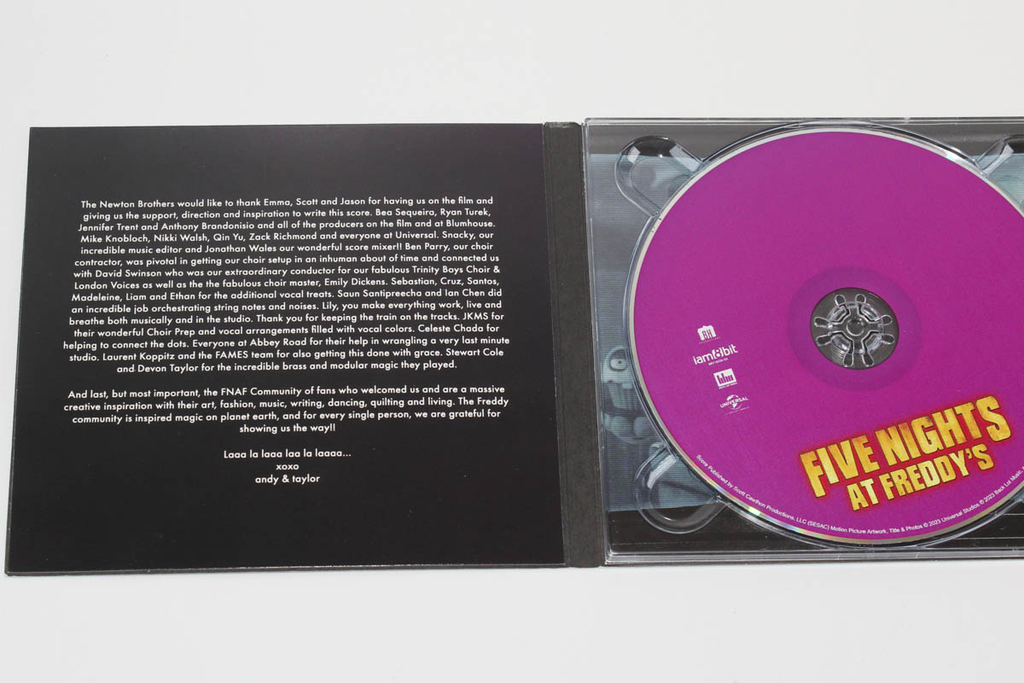
Here is our first print option: black inside print. This is a great budget-friendly way to get a black fill to compliment your dark interior artwork. Since the inside print area is on an uncoated board, you will notice the black is a bit duller than the coated print of the inside panels.

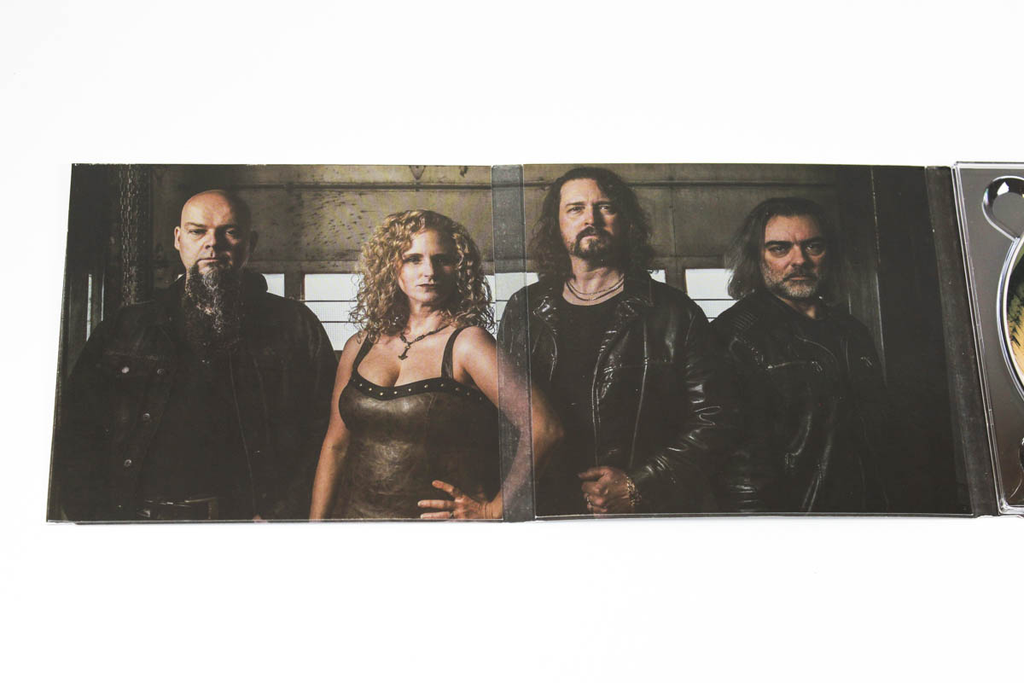
The second option is a CMYK inside print. This can be used to extend your artwork with no interruption between interior panels, or to create a funky divider in the spine area. Like the black print above, keep in mind that the uncoated area yields a duller print color with some tactile texture.