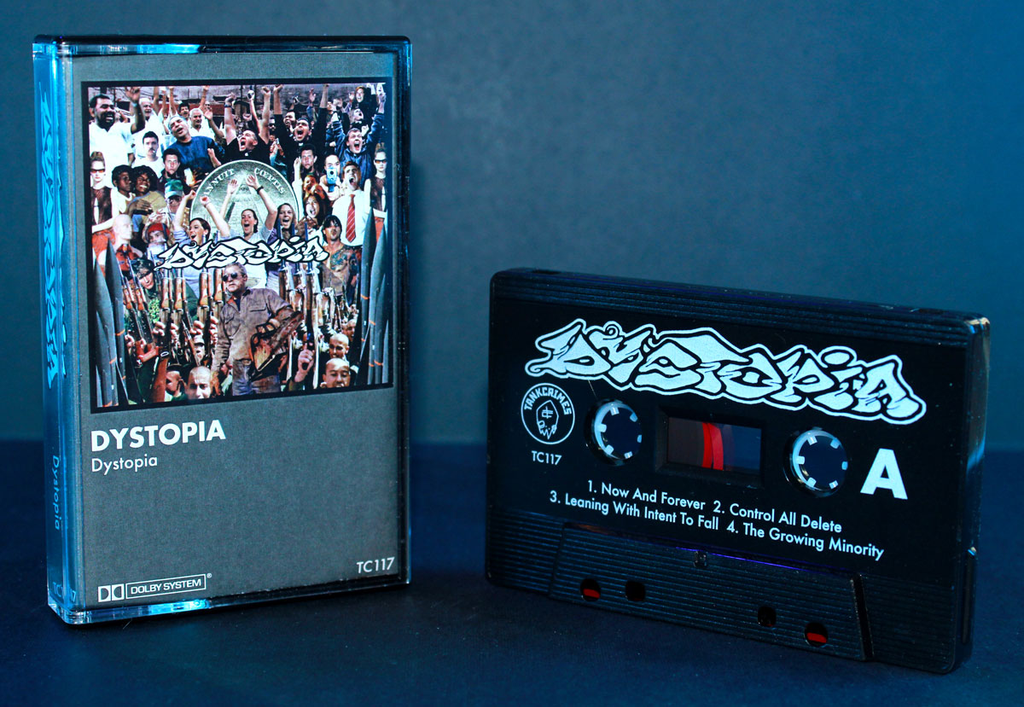
The biggest hurdle between your artistic vision and reality can often be access to the tools. Design software is pricey, and while online tools like Canva are great for web images, they aren’t built with print in mind. This is particularly true for pad print, which requires vector artwork to achieve sharp and fine lines. For those lacking an Adobe subscription, we’ve gone ahead and made the process a whole lot easier: introducing the Duplication.com online Vector Designer!
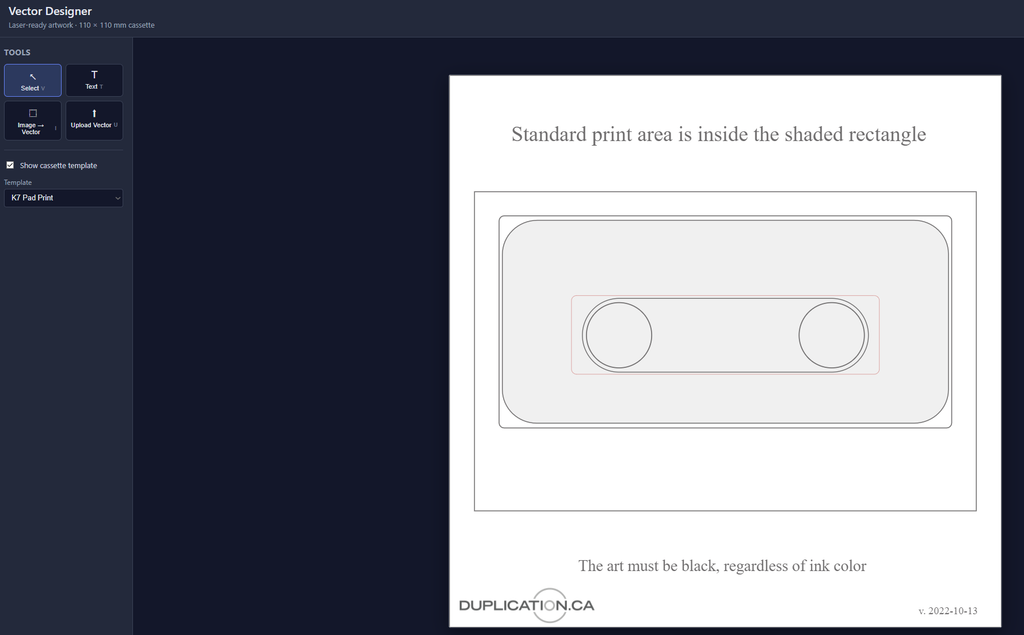
Our Vector Designer allows you to easily add vector images and text to the pad print template. If you’re working with bitmapped images (such as jpegs), the designer will trace the image and convert it into a vector format. To fine-tune you can simply hit ‘re-trace’ to toggle with the tolerance, detail, and smoothing.
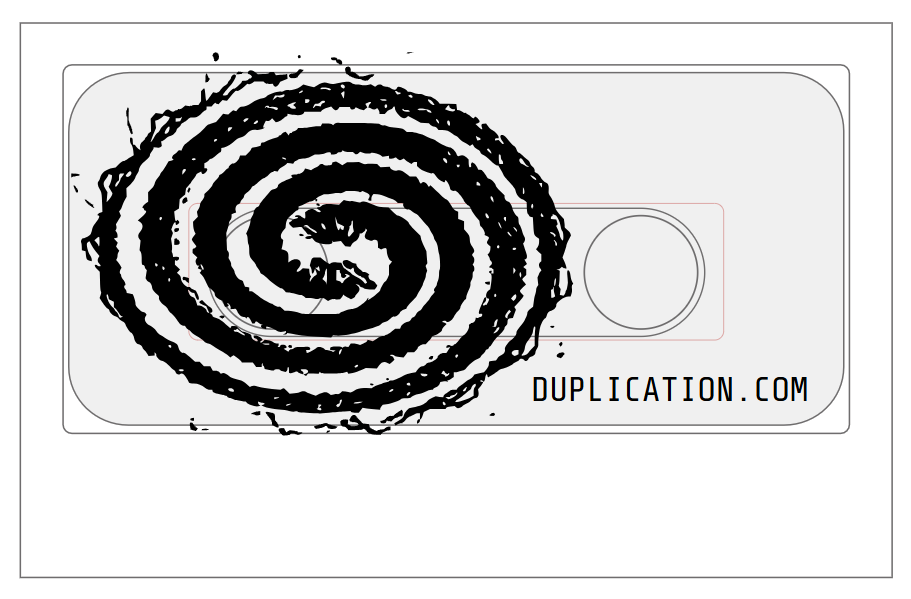
From there on you export the file as an SVG and upload your artwork as you normally would. Once the file is in our hands you can remain confident that your pad print artwork will appear sharp and high quality. As always, we recommend double hit pad print when you’re using light color ink against a dark color shell, and a white base layer if you want the ink color to have an extra amount of vibrancy and pop.
The Vector Designer is in beta testing mode, which means that there’s likely some fixes and new features to come in the near future. This is where we’d love some feedback! If you have suggestions, questions, or are struggling with any aspect of the process, please let us know!